All your contracts in one place — automatically.
Auto-import contracts from Outlook so nothing gets missed.
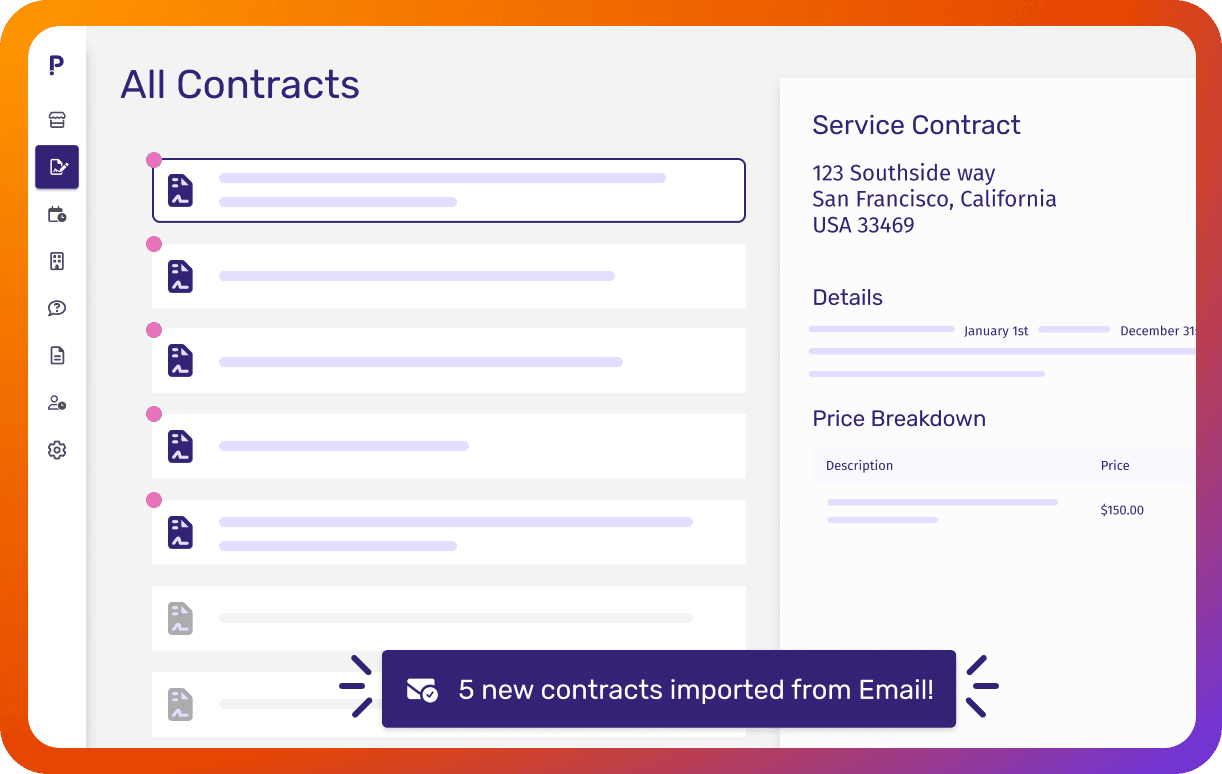
You'll never miss another contract
Automatic
Contracts sync from your email automatically — no manual uploads required.
Secure
Control exactly which senders and contract types get imported.
Organized
Synced contracts are automatically organized by property and vendor.
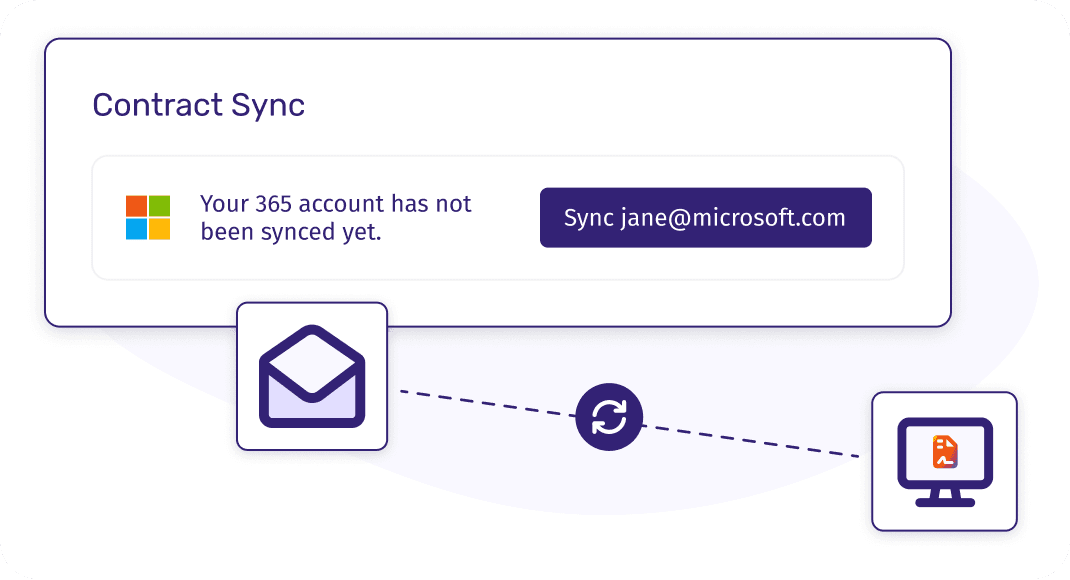
Sync contracts directly from Outlook
Connect your Microsoft 365 inbox and Pivott will automatically detect and import incoming contracts. No manual uploads required — contracts land in your repository the moment they arrive.
Learn More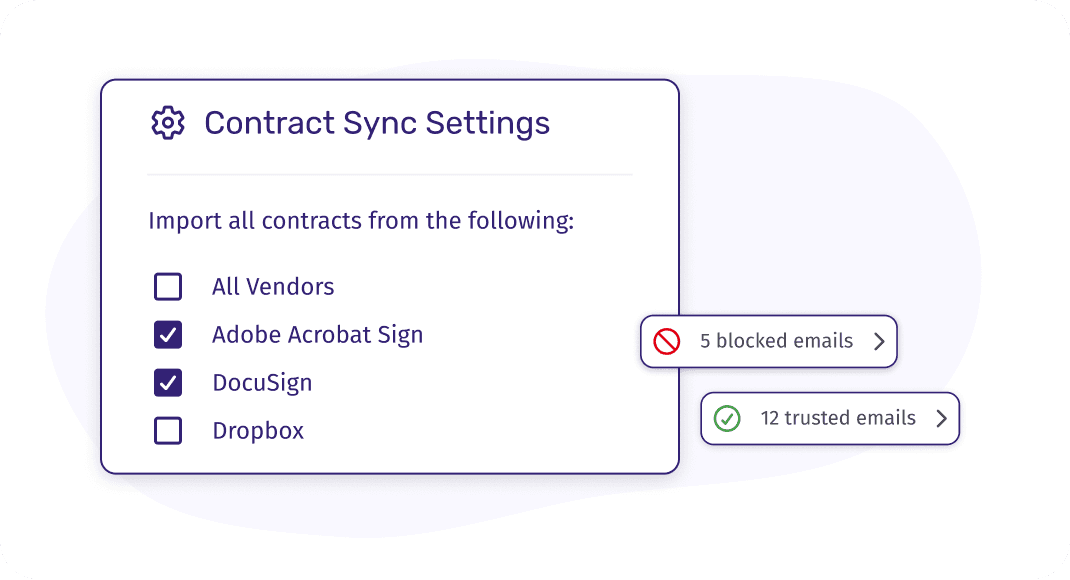
Control exactly what gets imported
Set rules for which emails trigger an import. Pivott only pulls in contracts from the senders and subjects you define, keeping your repository clean and accurate.
Learn More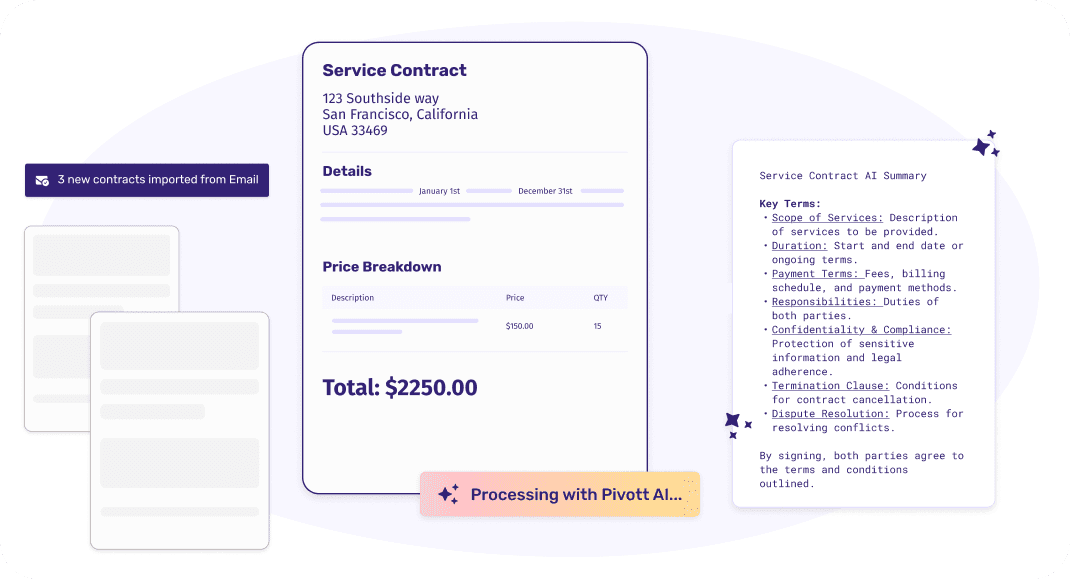
Contracts are processed the moment they arrive
As soon as a contract syncs, Pivott AI gets to work extracting key dates, terms, and metadata — so your repository is always current.
Learn MoreContinue the journey
Contract Sync works seamlessly alongside these features.
